
Seven Security Gaps Analysts Leave in Requirements, and the One-Page Toolkit
Most security gaps are not clever attacks. They are questions nobody asked.
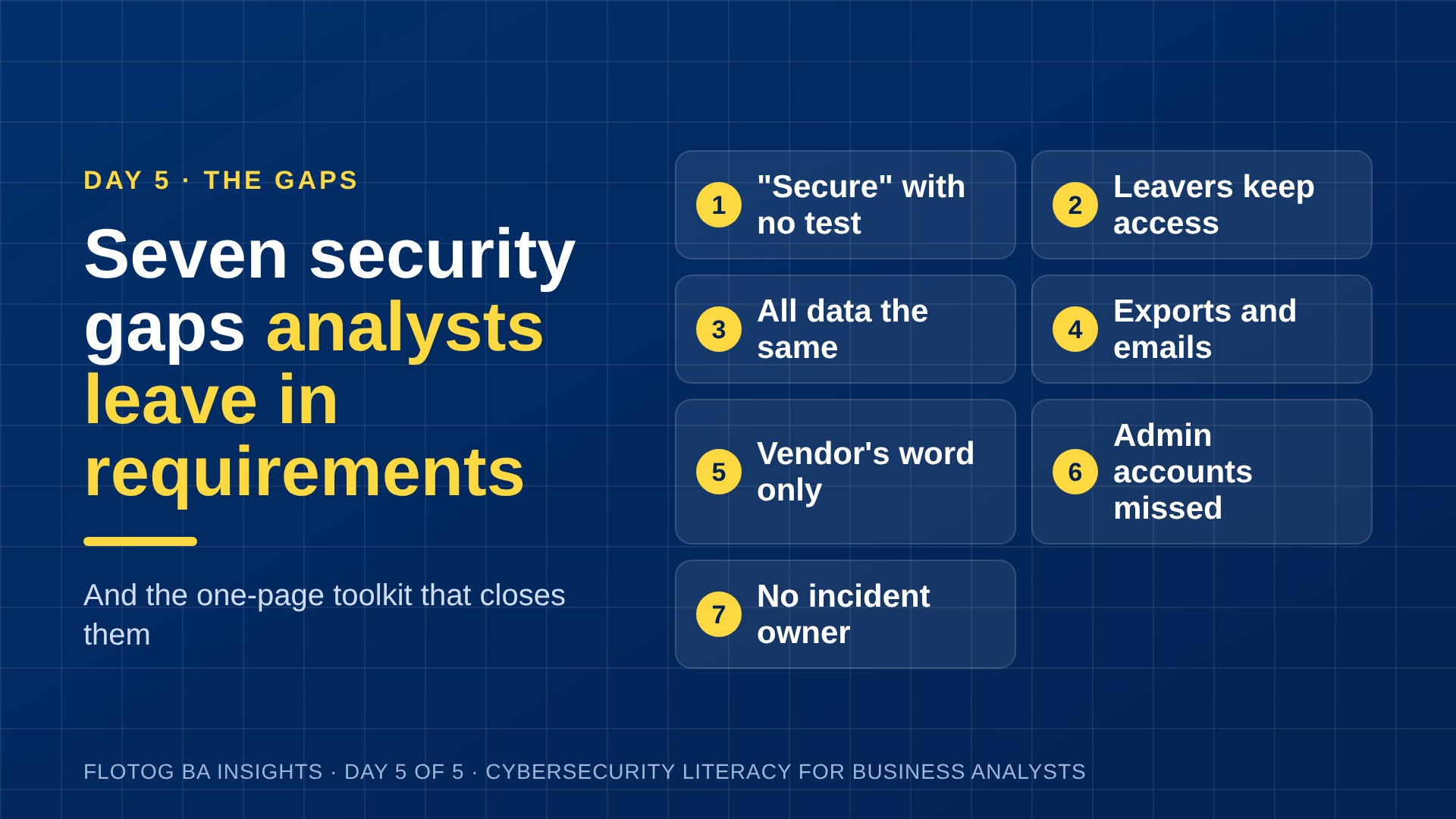
Most security gaps are not clever attacks waiting to happen. They are questions nobody asked while the requirements were being written. Seven of them turn up again and again, and each has a simple fix that costs far less on paper than it does after go-live. If you are joining us on day five, here is where we are. This week is five tools for business analysts who write requirements for systems that hold sensitive information. We have covered the three ideas behind security requirements, a four-level way of classifying data, how to write requirements that can be tested, and an eight-question checklist for sign-off. Today we collect the common gaps, and finish with a one-page toolkit that holds the whole week.
Seven gaps and how to close them
- Writing "secure" instead of something testable. A vague wish cannot be built or accepted. Rewrite it as a named role, an action, a condition and a check.
- Forgetting leavers and people who change role. Access tends to accumulate. Ask who removes an account when someone leaves and who reviews access when someone moves, and write both into the requirements.
- Treating all data as the same level. A flat approach is either too heavy or too light. Classify the data, have the owner confirm it, and tie each level to handling rules.
- Ignoring exports, emails and reports. The main system may be well protected while a spreadsheet copy sits in an inbox. Follow the data out of the system and give each route the same care.
- Trusting the vendor's word without evidence. "It is secure" is a statement, not a control. Ask for the specific protections in writing and for how they are checked.
- Leaving shared and administrator accounts out of scope. These accounts can do the most and are watched the least. Ask who holds them, how their use is recorded and who reviews it.
- Not asking who handles an incident. When something goes wrong, speed depends on knowing whom to tell and who decides. Name the owner and the first steps before go-live.
Several of the gaps share a root cause, which is that security is treated as a final check and not as part of the requirements. A late review can find a gap, but it can rarely fix one without rework. The seven gaps move the same questions to the start, where they are a few extra sentences in a document and not a change request in a live system.
Notice that none of the seven needs technical knowledge. Each is a question a thoughtful analyst can ask, and each produces a sentence that can go straight into a requirements document. Taken together they explain why so many security problems are described afterwards as obvious: the answer was available, but the question had not been put to anyone.
The seven gaps also work as a review lens. Take the last set of requirements you wrote, or one that is currently under review, and read it with the seven in mind. Mark each one as covered, partly covered or missing. Most documents come out with two or three missing, and none of them takes long to fix once seen. It is a quick way to improve your own work, and it makes a useful starting point for a conversation with a reviewer who has limited time.
The week in one page
THE FIVE TOOLS OF THE WEEK
| Tool | Use it when | Day |
|---|---|---|
| Three ideas: confidentiality, integrity, availability | You start any requirements work | Mon |
| Four-level data classification | You are deciding how much protection data needs | Tue |
| Testable security requirements | You are writing or reviewing requirements | Wed |
| Eight questions before sign-off | A design or requirements set is about to be approved | Thu |
| Seven common gaps | You are reviewing a document or a system | Fri |
Keep this table beside your requirements template. It is the week in five lines.
Scale the toolkit to the system in front of you. A small internal tool that holds meeting notes needs a light touch: a quick classification, a sentence on who can see it and a check that leavers lose access. A customer-facing system that holds personal and payment data needs all five tools applied carefully, with the security team closely involved. The skill is judging how much is enough, and that judgement improves each time you ask the questions and see what the answers turn up.
Used in order, the tools form a loop. The three ideas give you the questions. Classification tells you how much protection each kind of data needs. Testable requirements turn the answers into something that can be built. The eight questions check that nothing was missed before sign-off, and the seven gaps are what to look for when you review work that is already under way.
Staying useful without becoming the security expert
A word on boundaries. The aim of the week is literacy, not expertise. You are not expected to design encryption or run an investigation, and pretending otherwise would do harm. What you are expected to do is ask, write down, and know when to bring in the people who are experts. A good analyst says plainly, "This needs the security team to look at it", and says it early.
To build your confidence, ask the security team for twenty minutes. Ask them to walk you through the organisation's data classification and access policies, and which questions they most often wish analysts had asked. Most security teams are glad to be asked, and the conversation tends to produce a relationship that helps on every later project. Read the policy documents yourself too. You will recognise much of their language from this week.
Keep learning in small pieces. Follow your organisation's security notices, notice which incidents make the news and ask what requirement could have prevented them, and keep a short list of questions that worked well on past projects. A personal checklist built from real experience is worth more than any template, and it is something you can share with colleagues when they ask how you thought of it.
Security literacy also sets you apart. Hiring managers notice analysts who raise access, data and incident questions without being prompted, and projects trust them with more sensitive work. Whatever your next role is, being the person who asks the right security question at the right moment is a skill that travels with you. Next week we move to a different topic: AI tools for the working analyst, and how to use them with care.
Go out and be successful.
Oluwatosin Ogunkoya · Flotog BA Insights · 1:1 mentoring and coaching for BAs at every career stage · www.flotogbainsights.com
NEXT WEEK
AI Tools for the Working Analyst - Which tools are worth your time, and how to use them with care.